

KINTAG
Sign in
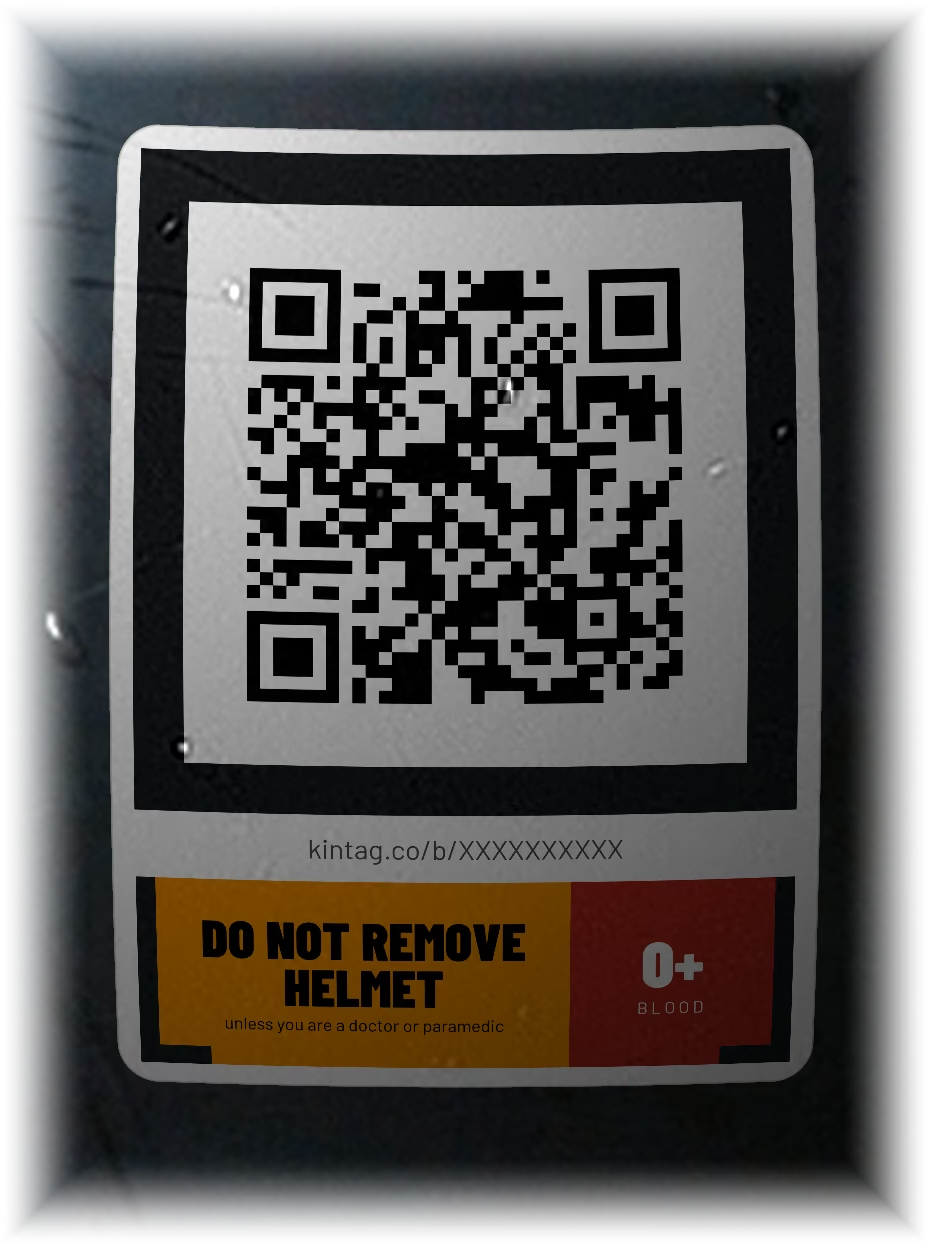
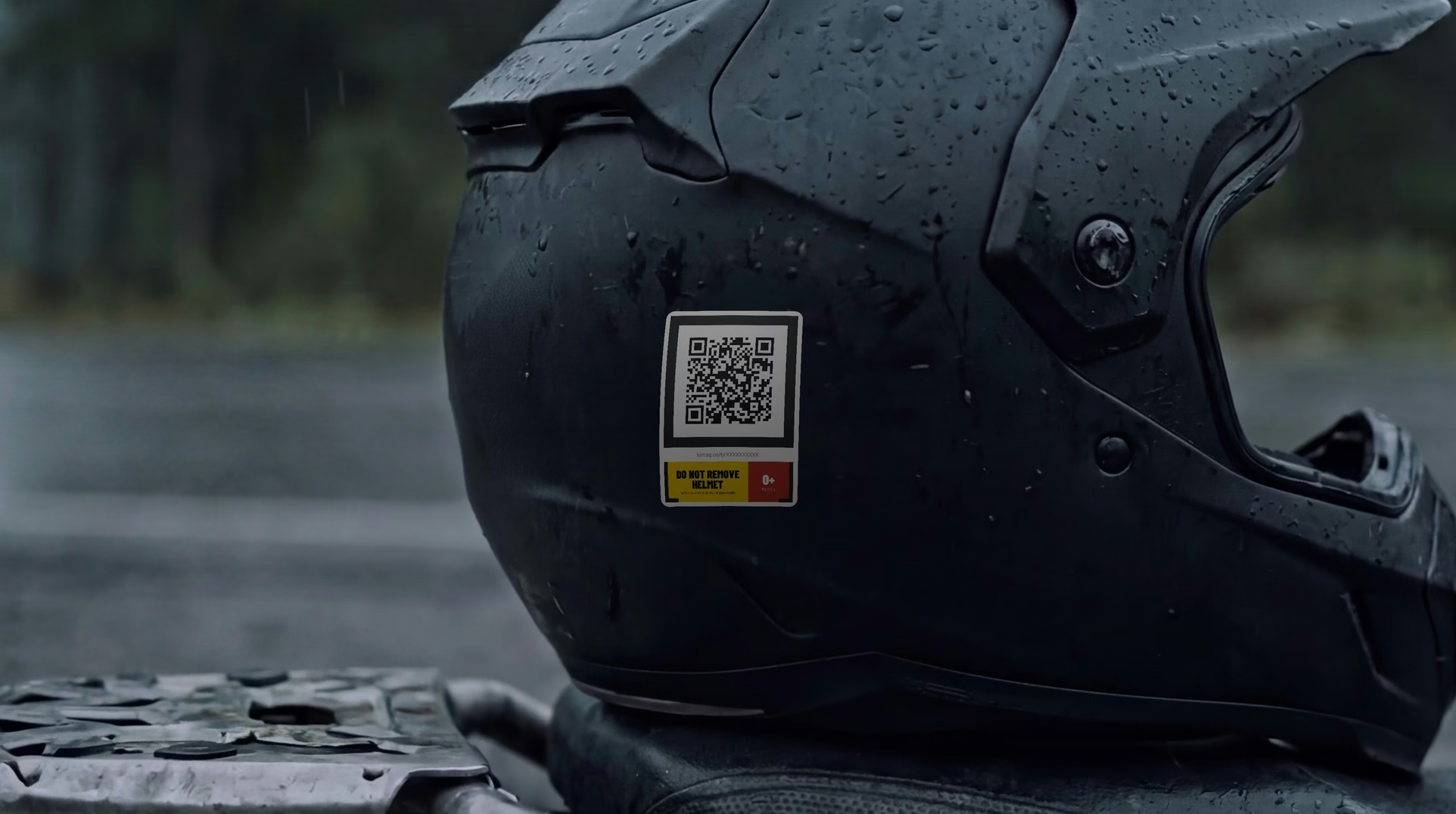
The back of a matte black helmet with a KINTAG tag on it: a QR code, the address kintag.co/b/XXXXXXXXXX, a yellow DO NOT REMOVE HELMET banner and a red O+ blood block. The code is a sample and opens nothing.

Never left guessing.

A free digital dog tag for riders.

You made your peace with the risk. The people who love you haven't. KINTAG answers for you.

Create my tag — free

Free forever · No ads · We never sell your data

Scanned in seconds. No app, no account, nothing to install.

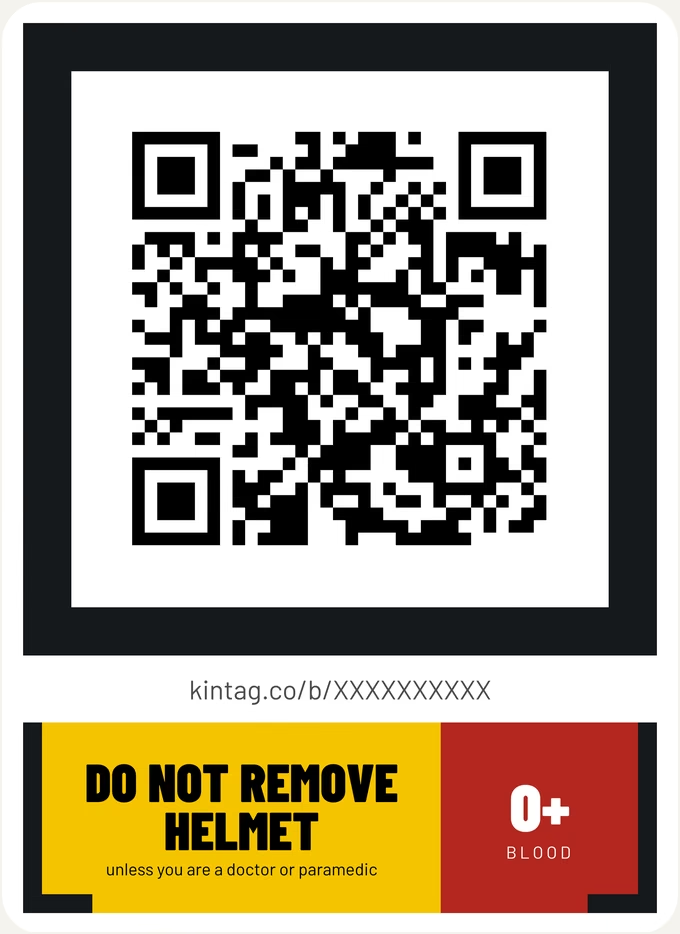
The KINTAG helmet tag as printed: a black ring around a QR code, the address kintag.co/b/XXXXXXXXXX, a yellow banner reading DO NOT REMOVE HELMET, unless you are a doctor or paramedic, and a red block reading O+ BLOOD. The code is a sample and opens nothing.
Sample tag — not a real code

A tag that says more.

Your blood type, like any medical sticker — plus who to call and what you're allergic to. Change it anytime without reprinting. Stick it wherever you ride.

  1. The codeA phone camera opens your emergency profile, even on a weak signal.
  2. The addressPrinted under the code, so it can be typed by hand.
  3. The warningPrinted, so it needs no phone.
  4. Your blood typePrinted, so it reads with no signal.

How it works

  1. Fill in your emergency profile once.

  2. Print it and stick it where you ride.Helmet / tank · Keyring · Wallet card

  3. Whoever finds you scans it and reads your emergency profile.

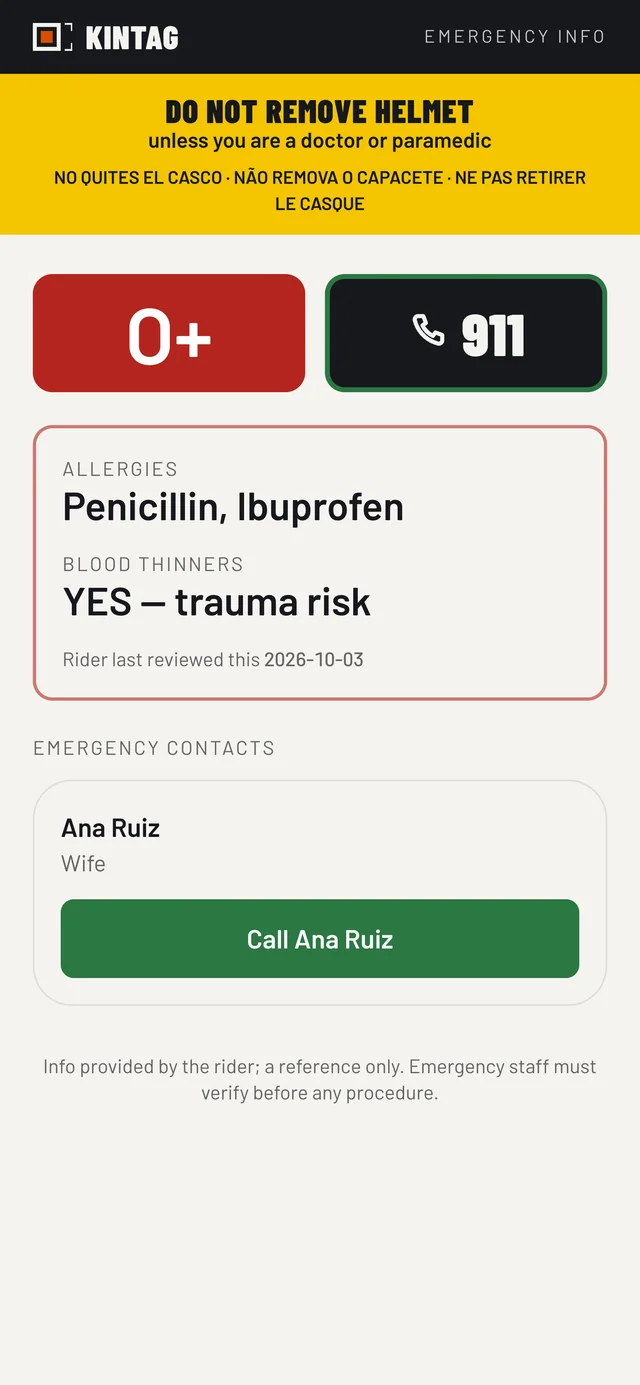
One tap calls the local emergency number, wherever you ride.

Switch your people on, and they're one more tap away.

The emergency profile a stranger sees after the scan, captured from the real page with sample data: the do-not-remove-helmet warning every profile carries, and only four things switched on: blood group O+ beside a button that calls the local emergency number, allergies, blood thinners, and one emergency contact, Ana Ruiz, with a call button and no number shown.

Sample data

Nothing is public until you switch it on.

Blood type, medications, conditions: each has its own switch. What you switch on is published at a web address anyone holding your tag can open. That choice is yours — it is worth a moment rather than a tap.

Your profile. Your call.

Blood type on. The rest stays yours.

Illustration: an emergency profile with blood type switched on, and medications and conditions switched off.

Helmet first. Then everything you ride with.

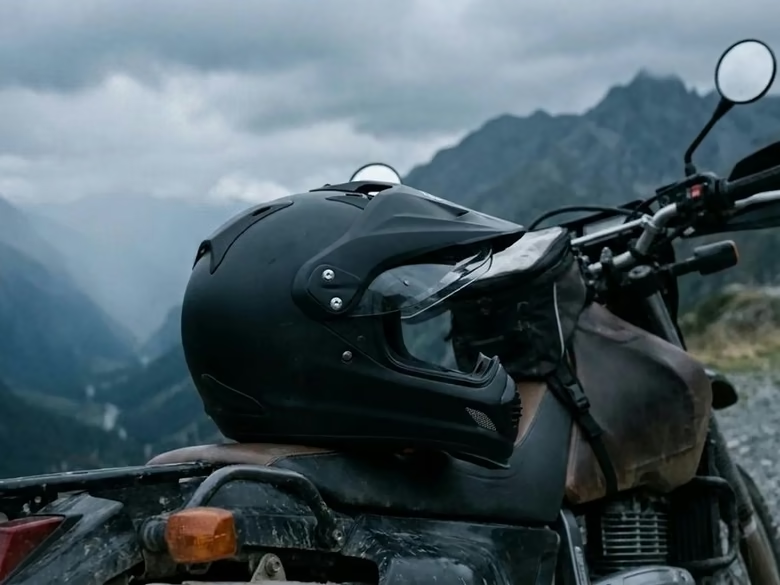
  • A matte black helmet resting on a motorcycle. The tag goes low on the side of the shell.
    HelmetLow on the side of the shell, or on the back.
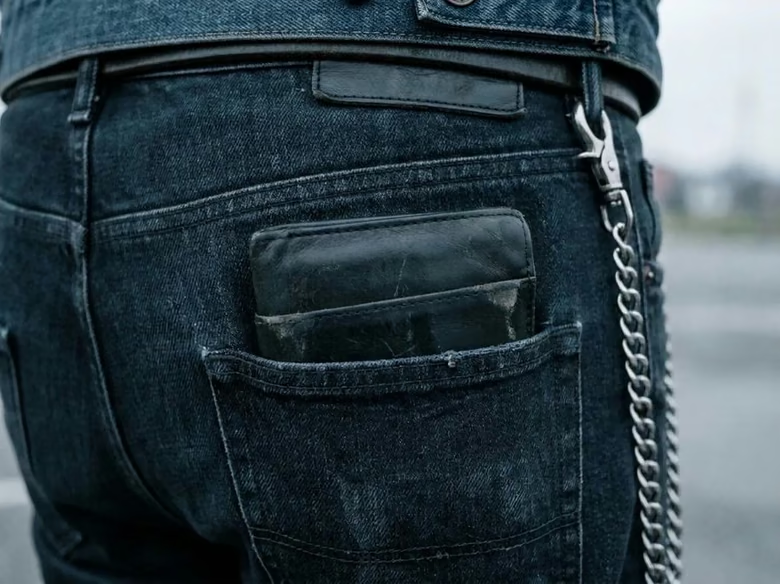
  • A wallet in the back pocket of a pair of jeans. The wallet card goes in it.
    WalletThe card version, next to your ID.
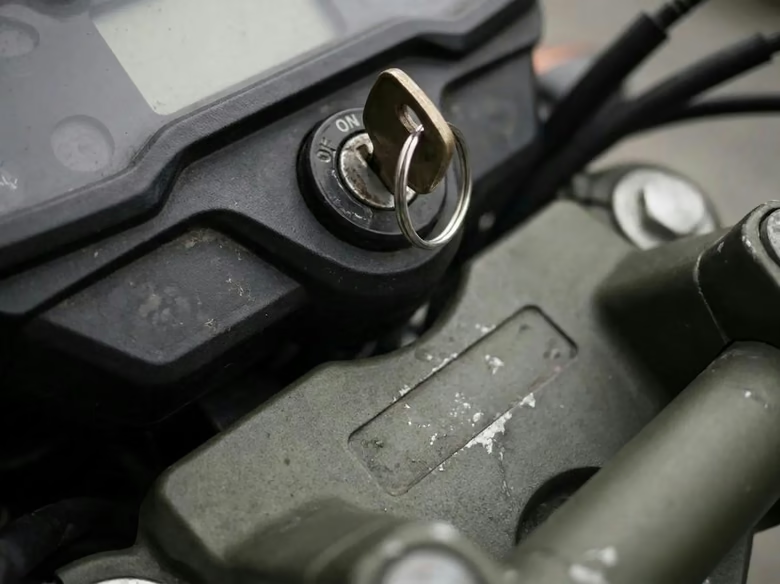
  • A motorcycle key in the ignition. The tag goes on its key ring.
    KeysThe keyring version, on your bike key.
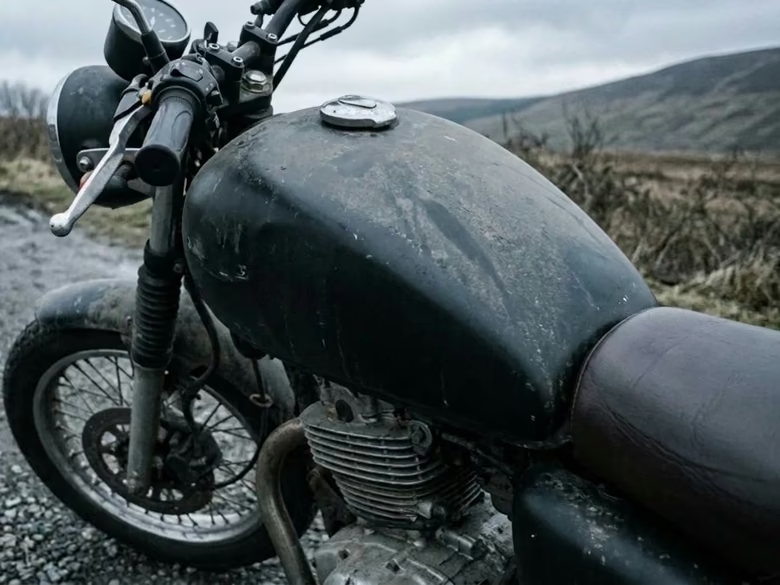
  • The fuel tank of a motorcycle. The tag goes on its side.
    TankOn the side of the tank.
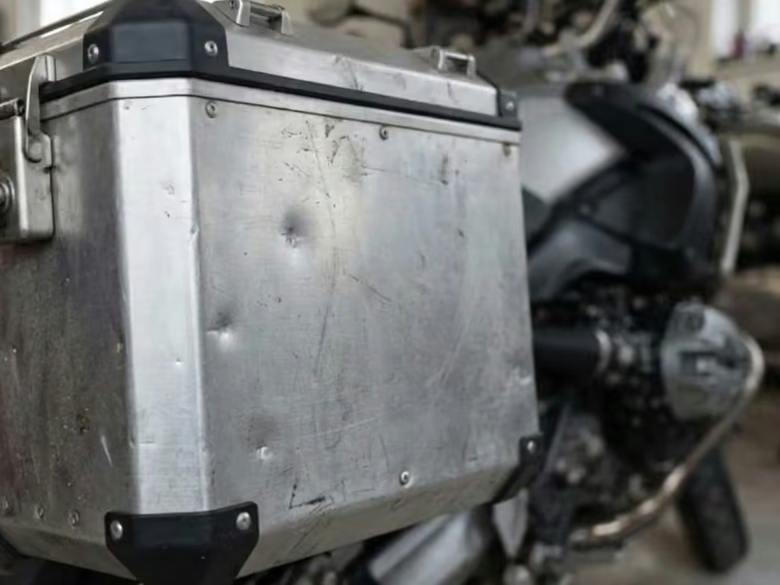
  • An aluminium side pannier on a motorcycle. The tag goes in the middle of its side.
    PannierIn the middle of the side.
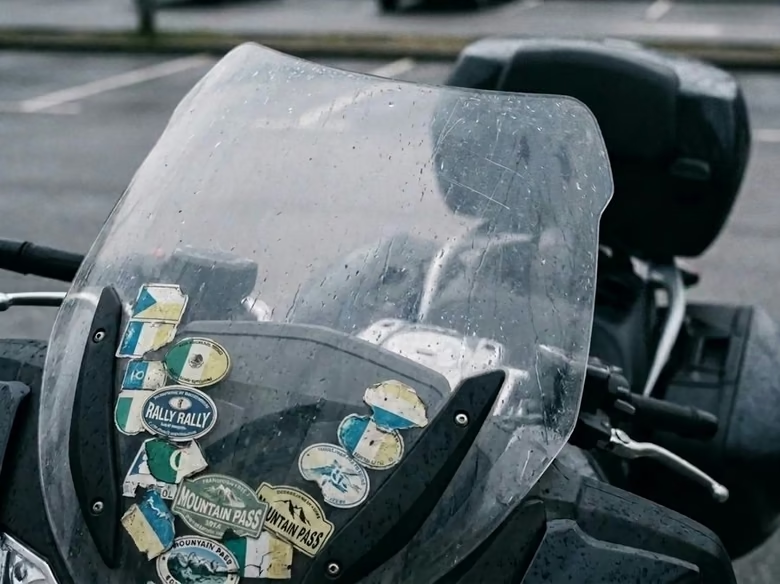
  • A motorcycle windscreen covered in travel stickers. The tag goes low on the screen, among them.
    WindscreenLow on the screen.
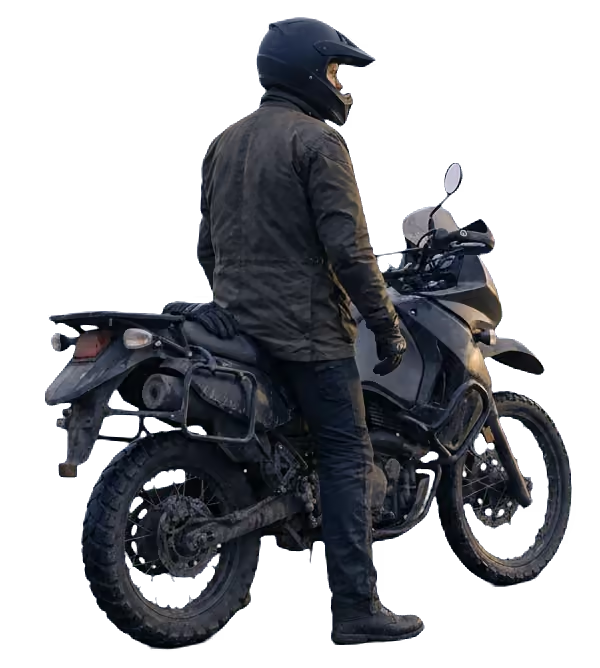
Two riders seen from behind on a wet mountain road in the rain.

Why it's free, from the rider who built it.

“I built KINTAG because I ride. Every time I head out on the road I think the same thing: if something happens, whoever gets there first won't know my blood type, whether I'm allergic to anything, or who to call. The helmet can tell them.

It's free because that information shouldn't depend on a subscription. If your tag stopped working the month you didn't pay, you couldn't trust it. There are no ads, I don't sell your data, and your emergency profile shows only what you choose to publish. KINTAG runs on donations from people who want it to keep going.

I built it with the whole continent in mind, from Alaska to Patagonia: in English, Spanish, Portuguese and French, and with the emergency number for wherever you are, not for the country your phone comes from. We ride across borders, and your profile has to cross them too.

I hope it becomes part of your gear, like your gloves or your jacket: something you set up once, forget about, and never have to use. If the day ever comes, I want it to do its job.

Ride safe, ride free, ride well!”

Rafael, creator of KINTAG and a rider

If you want to help with the running costs:Chip in

Questions

What does a rescuer see?

A do-not-remove-helmet warning, a button that calls the local emergency number, and whatever you switched on.

If you switched your contacts on, that includes buttons to call them, and to message the ones you allow.

Nothing else — your blood type included, until you switch it on.

Does whoever scans need an app?

No. A phone camera opens your emergency profile in the browser — no app, no account.

Does it work with no signal?

The page doesn't: the phone that scans your tag needs a connection to open your emergency profile, and KINTAG never keeps a copy of it on that phone. What works with no signal is what's printed — the helmet sticker carries the do-not-remove-helmet warning and your blood type.

Which emergency number does the call button dial?

The one for the country where your tag is scanned: 911 in the US, 112 in France, 192 in Brazil. We read the country from the connection, never from the phone's location, so nothing asks for permission. If we don't have that country's number, the button dials 112, which mobile networks route to local emergency services in most countries. If the connection doesn't tell us the country at all, it uses your own country's number, or 112. From where you are right now, that's 911.

How do I get the sticker?

Download your tag from your account and print it. Matte weatherproof vinyl is what survives sun, rain and washing.

Can I choose what my emergency profile shows?

Yes. Every field has its own switch, and all of them start off.

What if someone photographs my tag?

Anyone holding the photo can open your emergency profile, the same as a rescuer who scans the tag. If a photo is out there, get a new code from your account, with your PIN: the old link stops working right away — and so does the sticker on your helmet, so print the new one. Your medical info, contacts and account are untouched.

Is it free?

Yes. There's no paid tier. If you want to help with the running costs: Chip in.

Lost your PIN?

Use your recovery code with your phone number. No code? We'll email a one-time link to the address on your account. Lost both? There's still a way through — it's slow, and there's no timeline on it: Write to us.

Can I delete everything?

Yes, from your account settings, by typing DELETE and your PIN. It's gone from the live database right away, and from our backups within 30 days.

All questions

Set it up once. Read by a stranger when it counts.

Create my tag — free

Delete your account anytime.

Create my tag — free